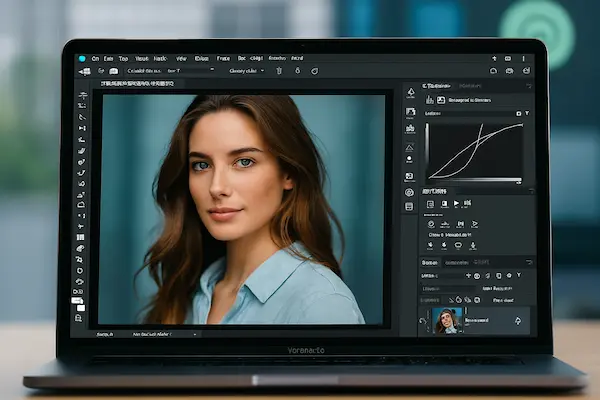
With a potent new update from Adobe, users can now access Photoshop, Adobe Express, and Acrobat directly within ChatGPT, making document and creative editing simpler than before. Through Adobe Tools in ChatGPT, you can specify what you need, and ChatGPT will use Adobe’s tools to finish the task within the same chat window.
Photoshop in ChatGPT
Images can now be edited without the need to launch any software. Simply ask ChatGPT to change the exposure, contrast, or brightness. Additionally, you can alter particular areas of an image or apply artistic effects like glow or glitch. The finest aspect? You can control everything with straightforward chat instructions, and the original image quality remains unaltered.
Adobe Express for Graphic Design
Additionally, ChatGPT offers Adobe Express. Through dialogue, you can peruse expert templates, add your own text, exchange images, animate designs, and make modifications. You don’t need to switch apps when making a poster, invitation, or social media graphic.
Acrobat for PDF Editing
PDF management is now very simple. You can maintain clean formatting while editing text, extracting tables, merging files, compressing documents, and converting them to PDF using Acrobat within ChatGPT. Sensitive information can even be directly redacted in the chat.
Device Compatibility
The desktop, web, and iOS versions of ChatGPT offer these features for free. While Photoshop and Acrobat will soon be compatible with Android, Adobe Express is also compatible with Android.
This update is a significant step toward enabling everyone to use AI-powered creative and productive tools. You can now accomplish complicated tasks with straightforward chat commands—no downloads or app switching—whether you’re a designer, student, or business user.
Also read: Google Maps New Update 2025: Voice Navigation and Smarter Directions